
Can’t Afford an iPhone 17 Screen Replacement? Here Are Your Best Options
- Continue Using the Phone Only If It Is Safe
If the screen has only minor cracks and the display and touch are working normally, you may be able to use the phone for a short period. However, avoid using a device if the glass is badly shattered, the touch is not responding correctly, or parts of the display are black or flickering. A damaged screen can worsen over time.
- Protect the Screen from Further Damage
A cracked display becomes more fragile after the first impact. Using a protective case can reduce the risk of additional damage if the phone is dropped again. If the glass has sharp edges, cover the screen with a temporary screen protector or clear tape until you can have it repaired. This is only a temporary solution and should not replace professional repair.
- Back Up Your Important Data
Before the phone develops more serious problems, back up your photos, contacts, messages, and important documents. A backup ensures your data remains safe if the display stops working completely or if the phone requires more extensive repairs later.
- Compare Repair Options
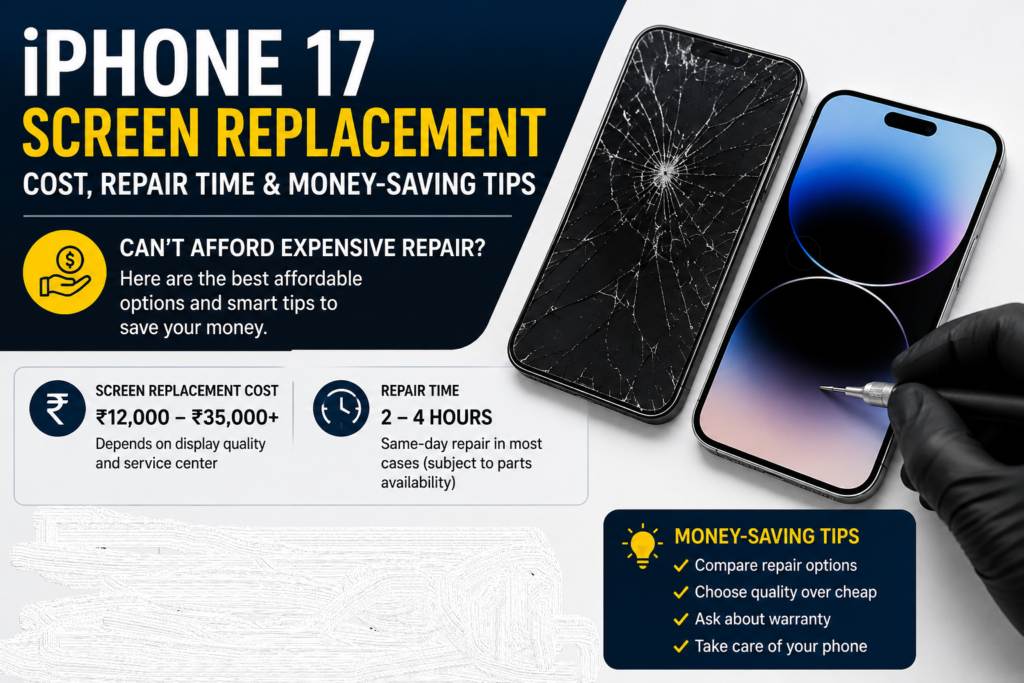
Repair prices vary depending on the quality of replacement parts, warranty, and service provider. It is a good idea to compare repair options instead of choosing only the cheapest one. A very low price may sometimes indicate lower-quality parts or limited testing after the repair. Ask what type of display will be installed, whether the repair includes testing, and whether any warranty is provided.
- Ask About Installment or Payment Options
Some repair shops offer installment payments or flexible payment methods. If replacing the screen immediately is important for work or studies, ask whether the repair cost can be paid in stages. Availability depends on the repair provider.
- Avoid Ignoring the Damage for Too Long
Many users continue using a cracked phone for months. During this time, dust and moisture may enter through the damaged screen, increasing the chance of additional internal damage. While a small crack does not always become a major problem, delaying repairs for a long time can increase the overall repair cost if other components are affected.
- Do Not Attempt DIY Repairs Unless You Have Experience
Online videos may make screen replacement look easy, but modern smartphones are complex devices. Attempting a repair without the proper tools and experience can damage the display, battery, cameras, or internal connectors. If you are not experienced, professional repair is usually the safer choice.
- Get the Device Diagnosed
If your phone has been dropped, the visible crack may not be the only issue. A technician can check whether the battery, frame, Face ID, charging port, or other internal components have also been affected. A diagnosis helps you understand the full condition of the device before deciding on repairs.
- Plan the Repair According to Your Budget
If immediate repair is not possible, set aside a small amount each week until you can afford the replacement. Planning ahead may help you avoid using a heavily damaged device for an extended period.
- Choose a Trusted Repair Center
Look for a repair center that explains the repair process clearly, uses quality replacement parts, tests the phone before returning it, and provides a warranty where applicable. Reading customer reviews and asking questions before handing over your device can help you make an informed decision