
iphone 13 pro max
The iPhone 13 Pro Max is one of Apple’s most powerful smartphones because it uses advanced hardware, including the A15 Bionic processor, high-speed memory, and a complex motherboard (logic board) design. The motherboard is the heart of the phone where all major functions are controlled.
Main ICs Used in iPhone 13 Pro Max Motherboard
- A15 Bionic CPU / SoC IC (Main Processor)
The A15 Bionic chip is the main brain of the iPhone 13 Pro Max.
It controls:
Operating system performance
Gaming and graphics
Camera processing
Artificial intelligence tasks
Overall phone speed
Common problems if damaged:
Phone stuck on Apple logo
Random restarting
No power issue
Data recovery problems
- NAND Flash IC (Storage IC)
The NAND IC stores important phone data such as:
iOS system files
Photos and videos
Apps
User data
It is available in different storage capacities like 128GB, 256GB, 512GB, and 1TB.
Fault symptoms:
Restore errors
Boot problems
Storage not detected
iPhone not starting properly
- Power Management IC (PMIC)
The PMIC manages power distribution from the battery to different parts of the motherboard.
It supplies the correct voltage to:
CPU
Memory
Charging circuit
Other components
Fault symptoms:
Phone completely dead
Sudden shutdown
Excessive heating
Battery draining quickly
- Charging IC
The charging IC controls power coming from the Lightning charging port.
Fault symptoms:
iPhone not charging
Slow charging
Charging accessory not detected
Charging percentage stuck
- Baseband and RF IC
These ICs handle:
Mobile network
SIM communication
Signal strength
Cellular connectivity
Fault symptoms:
No service
Searching for network
SIM not working
Weak signal
- Wi-Fi and Bluetooth IC
This controls wireless connectivity.
Fault symptoms:
Wi-Fi not turning on
Bluetooth problems
Connection drops
- Camera Control and Power IC
The iPhone 13 Pro Max has a triple camera system. Camera-related ICs control communication and power supply to the camera modules.
Fault symptoms:
Camera showing black screen
Camera not opening
Focus problems
How iPhone 13 Pro Max Motherboard Repair Is Done
Motherboard repair is known as chip-level repair or microsoldering. It requires advanced tools and skilled technicians.
Step 1: Diagnosis
The technician checks:
Power consumption using DC power supply
Short circuits
Damaged components under a microscope
Motherboard condition
Step 2: Board Inspection and Repair
Because the iPhone 13 Pro Max motherboard has a compact and layered design, technicians carefully inspect the board before repairing.
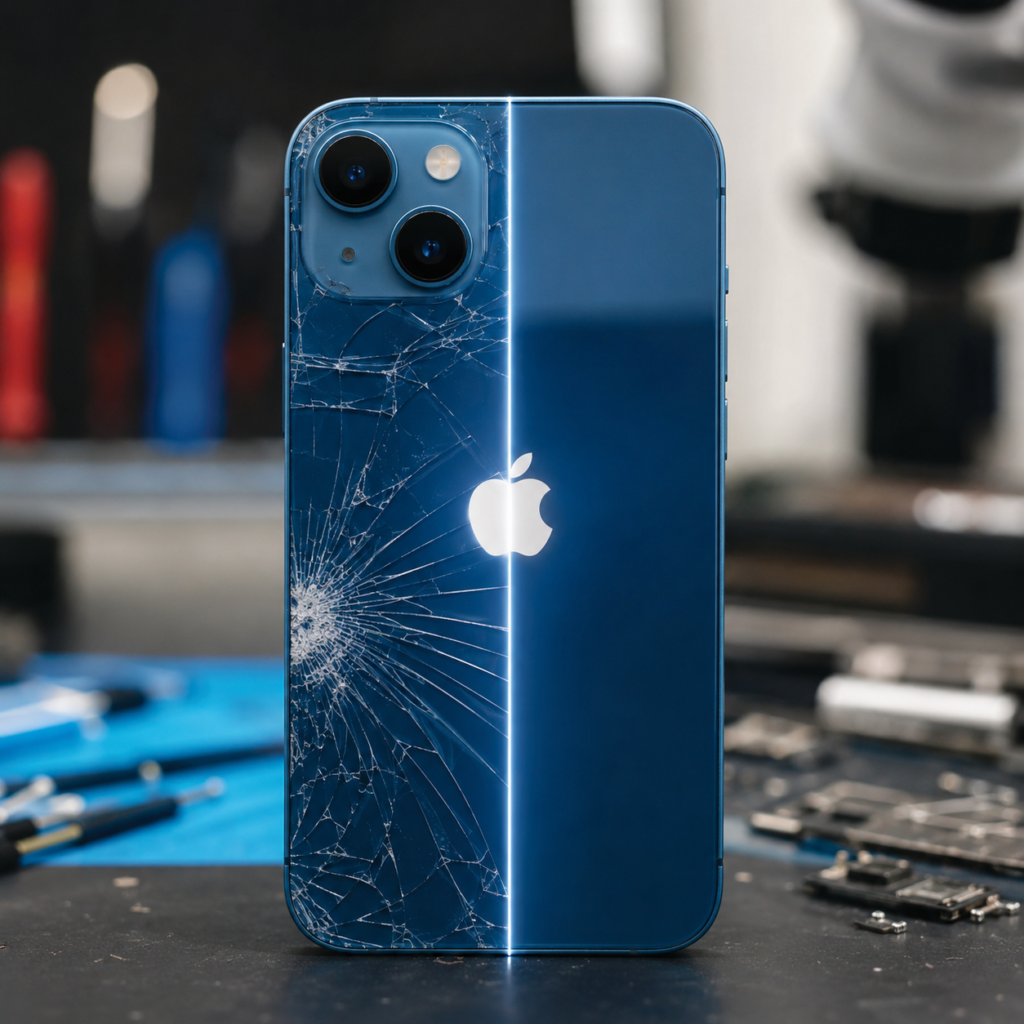
They use:
Microscope
Hot air rework station
Soldering tools
Board diagrams
Step 3: IC Replacement or Repair
If an IC or small component is damaged:
The faulty component is removed
The area is cleaned
A new IC/component is soldered
Connections are tested
Step 4: Final Testing
After repair, technicians test:
Power on/off
Charging
Camera
Face ID
Wi-Fi and Bluetooth
Network signal
Touch and display
Is iPhone 13 Pro Max Better Than Other iPhones?
The iPhone 13 Pro Max is still considered a premium iPhone because of:
✅ Powerful A15 Bionic processor
✅ Excellent camera performance
✅ 120Hz ProMotion OLED display
✅ Long battery life
✅ Premium stainless steel design
✅ Strong performance for gaming and professional use
However, motherboard repair is more difficult compared to older iPhones because its components are extremely small and closely packed. Only experienced board-level repair technicians with proper equipment should handle iPhone 13 Pro Max motherboard repairs.
For customers, repairing the motherboard is often more affordable than replacing the entire device, especially when the issue is limited to a small component or IC.